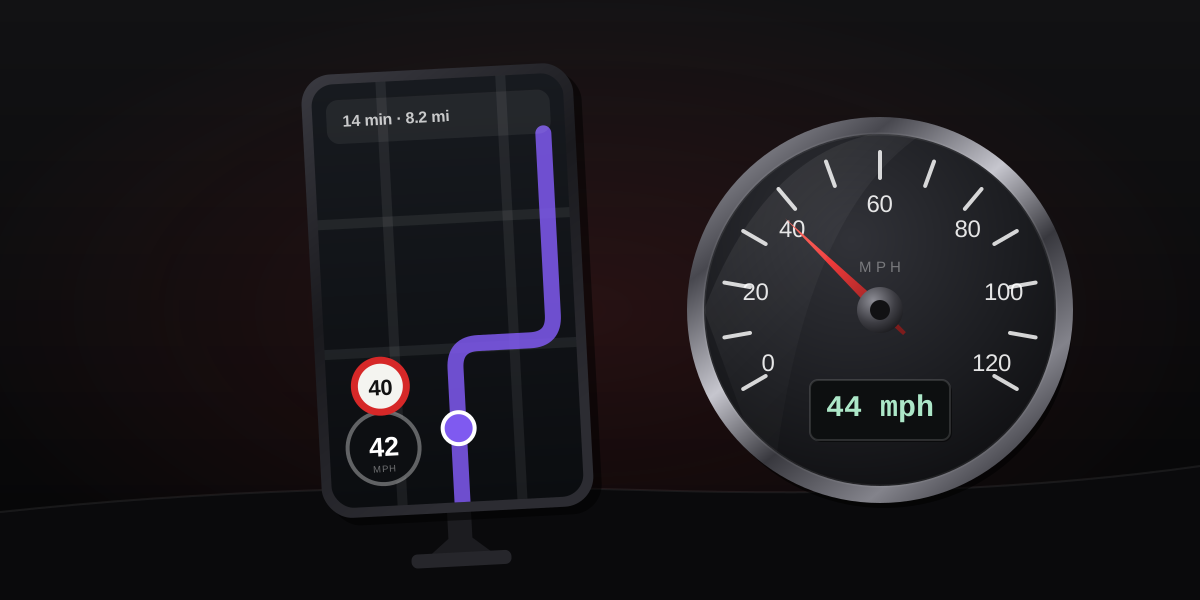
Yes — and the question usually hides a different one. What people notice is Waze showing 67 while the dashboard shows 70, and the instinct is that the app must be wrong. It is the other way around. Waze reports your GPS ground speed; your dashboard reports a number designed to flatter the law. Here is where each figure comes from, the few situations where Waze genuinely stumbles, and the settings that control what it shows.
Where Waze gets its number
Waze does not measure speed itself. It asks the phone, and the phone computes speed from the Doppler shift of the satellite signals it is already tracking — how the signal frequencies compress and stretch as you move. That method is independent of your tires, your wheels, and your odometer, and it does not accumulate error the way subtracting positions would. Outdoors at a steady speed it typically lands within 0.5–2 mph of truth, which we unpack in how accurate phone GPS speed really is.
Every GPS app on the same phone reads the same value — Waze, Google Maps, a browser speedometer. When two of them disagree noticeably, the difference is smoothing and display lag, not measurement.
Why it reads below your dashboard
The gap is the interesting part, and it is not a defect on either side. Regulations such as UNECE R39 forbid a car speedometer from ever reading below true speed and allow a margin above it. Manufacturers calibrate into that margin so the dial stays legal across tire wear, pressure and load, which leaves the typical car reading 1–3 percent high — a few mph at highway pace. The mechanics are in why your car's speedometer disagrees with GPS.
So Waze 67, dashboard 70 is both instruments working as designed. If you want your car's exact bias rather than the industry band, the speedometer error calculator turns those two readings into your personal correction table.
When Waze genuinely gets it wrong
The honest list is short and physical:
- Tunnels and garages. No satellites, no Doppler. The reading freezes or drops until the sky returns.
- Street canyons. Signals bouncing off tall buildings degrade the fix; the speed gets noisier along with the position. You can watch this happen live on our GPS accuracy test.
- Hard acceleration and braking. Phone GPS updates about once a second and apps smooth a couple of fixes, so during a sharp change the display trails your true speed by roughly a beat. At a steady cruise this disappears entirely.
Note what is not on the list: ordinary highway driving. That is where GPS speed is at its best and the dashboard's bias is at its largest in absolute terms.
Turning the speedometer on, and tuning the alerts
The display is off on some installs. The path: search (magnifying glass) → gear icon → Map display → Speedometer → Show speedometer. Two settings there are worth a moment:
- When to show the limit — always, or only once you exceed it.
- The alert threshold — warn exactly at the limit, or at a margin above it. When you cross your threshold the speedometer turns red.
One subtlety worth knowing when you set that threshold: because the dashboard reads high, driving "at the limit" by your dash usually means being under it by GPS. Speed cameras measure something much closer to the GPS figure, which is why the two biases matter in camera tolerance margins.
The limit is the weak link, not the speed
When a warning seems absurd, the speed measurement is rarely the culprit. The posted limit Waze compares against comes from its map, and map data goes stale: a road re-signed last month, a frontage road inheriting the highway's limit, a school zone timed wrong. The speed side of the comparison is physics; the limit side is a database. Trust the sign on the road over the number in any app.
The takeaway
Waze speed is GPS speed, and GPS speed is the honest number — within a couple of mph of truth on any open road, indifferent to your tires and your car's legally mandated optimism. It reads lower than your dashboard because the dashboard is built to read high. The app's real weak points are sky-blocked places and a one-beat lag during sharp changes, and its limit warnings inherit whatever the map believes. If the gap between your dash and GPS bothers you, measure it once with the car speed test and you will know your car's number for good.